


AI support and
integrated
Logic technology
Program it once.
Use continuously.
With integrated AI support

01 · Create
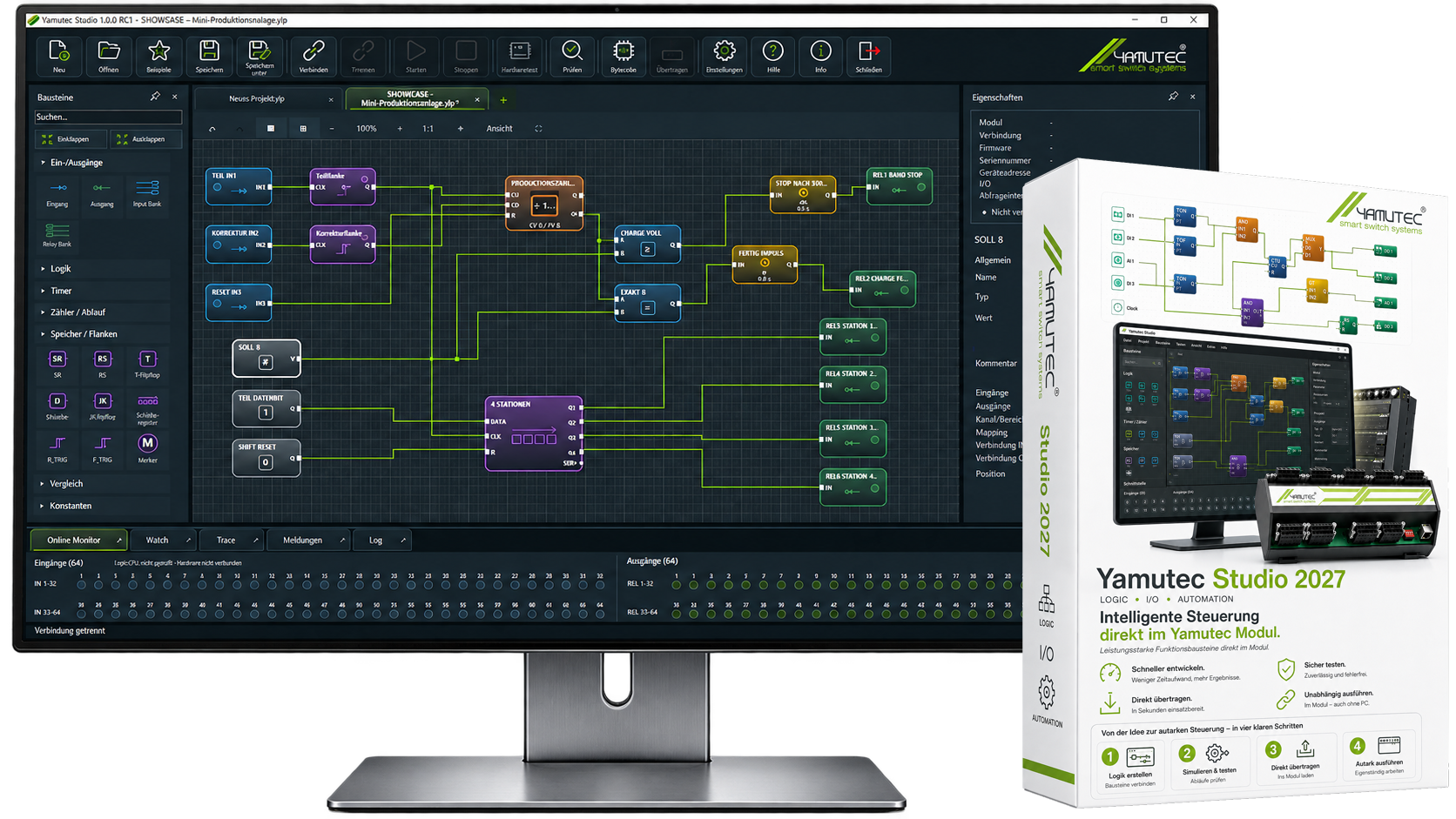
Control logic conveniently in Yamutec Studio 2027 create, connect and parameterize.

02 · Simulate
Test signals and processes before commissioning – for greater safety and less troubleshooting.
03 · Transfer
Transfer the verified logic project directly to the compatible Yamutec module.

04 · Run autonomously
Disconnect the PC – the stored control logic continues to run independently in the module.
logic
AND · OR · XOR · NOT · NAND · NOR
Logical connections for flexible input and output controls.

timer
T-ON · T-OF · T-PULSE · CLOCK
Implement precise and simple time-dependent switching operations. Easily generate clock and pulse signals for recurring processes, blinking functions, and time-based triggers.
Counters & Excesses
CTU · CTD · CTUD · Sequences
Automate recurring processes in a structured and reliable way.
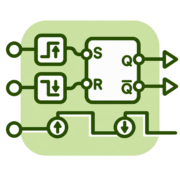
Memory & flanks
SR · RS · Flip-flop · Marker · Shift register
Storing states, locking signals and selectively evaluating edges – ideal for memory functions, button logic and step sequences.
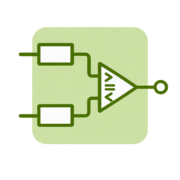
Comparison
= · ≠ · > · < · ≥ · ≤
Reliably compare values and signals, monitor thresholds, and make decisions directly in the control logic.
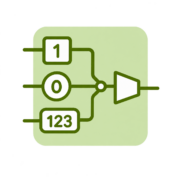
constants
TRUE · FALSE · INTEGER
Constant boolean and numeric values for direct use in comparisons, operations, and parameterizations.
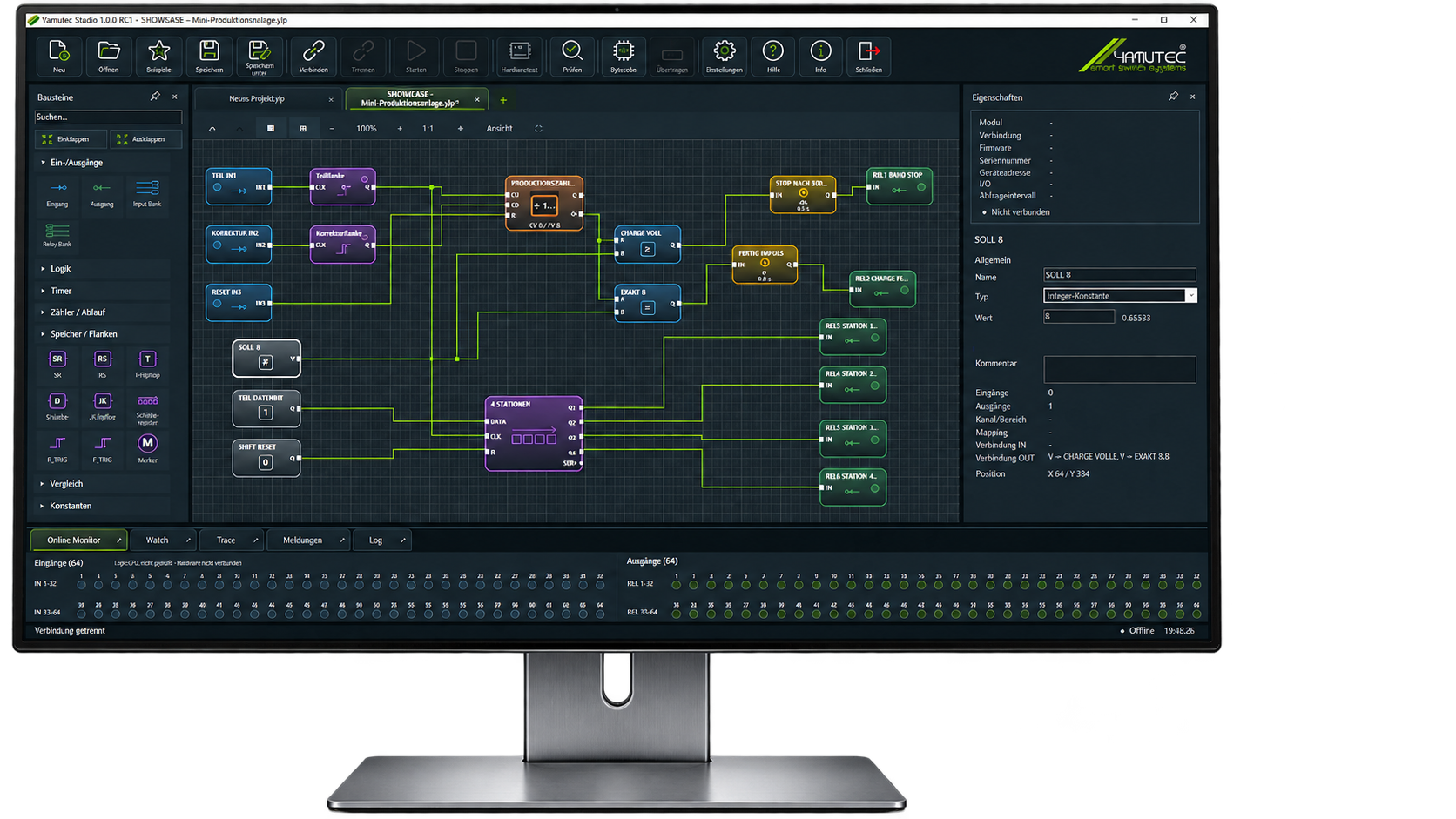
Develop once.
Continue running autonomously.
Self-sufficient without
permanent PC
After the transfer, the control logic continues to run directly in the module. No permanently connected PC is required.

Develop safely
and test
Create logic graphically, simulate inputs and outputs, and test processes before the application is transferred to the hardware.
Directly in
Integrated I/O module
Control and I/O in one system. Less additional hardware, fewer interfaces, and a more compact design.

Ideal for industrial applications
Applications
Perfect for test benches, laboratory automation, functional tests, machine peripherals and individual automation tasks.
01 · Create
The AI generates suitable building blocks, parameters and connections from your description.

02 · Expand
Supplement existing Logic projects via prompt for further functions and processes.

03 · Check
The AI Assistant points out possible logic errors or unclear parts of the project.

04 · Explain
The AI clearly describes what the current Logic project does and how the process is structured.